What one product photo can become
Start with a clear photograph of the item you actually sell. The four presets ask Nano Banana Edit for different kinds of ecommerce imagery. Each task returns one image; the original stays available beside it so you can check what changed.
White background
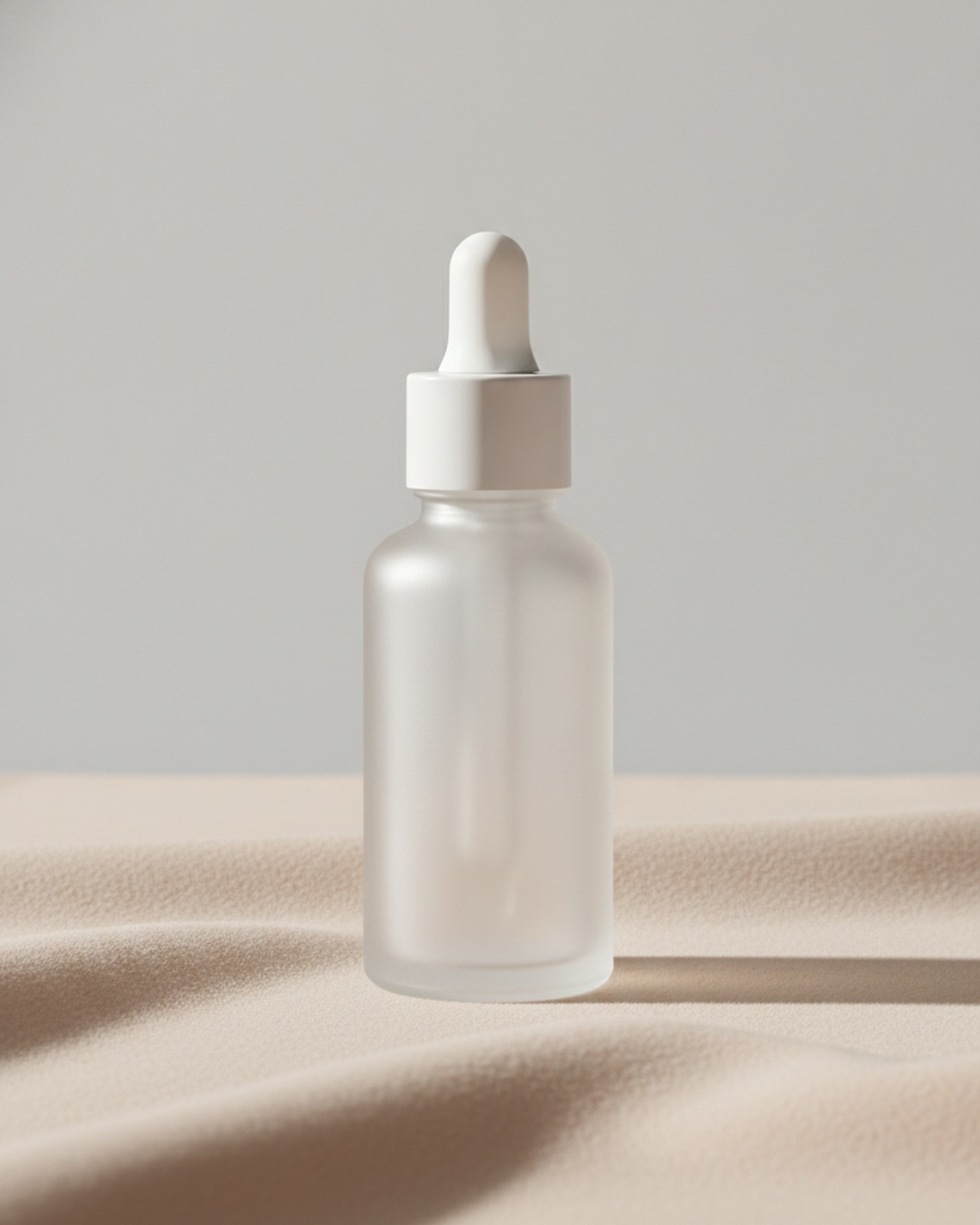
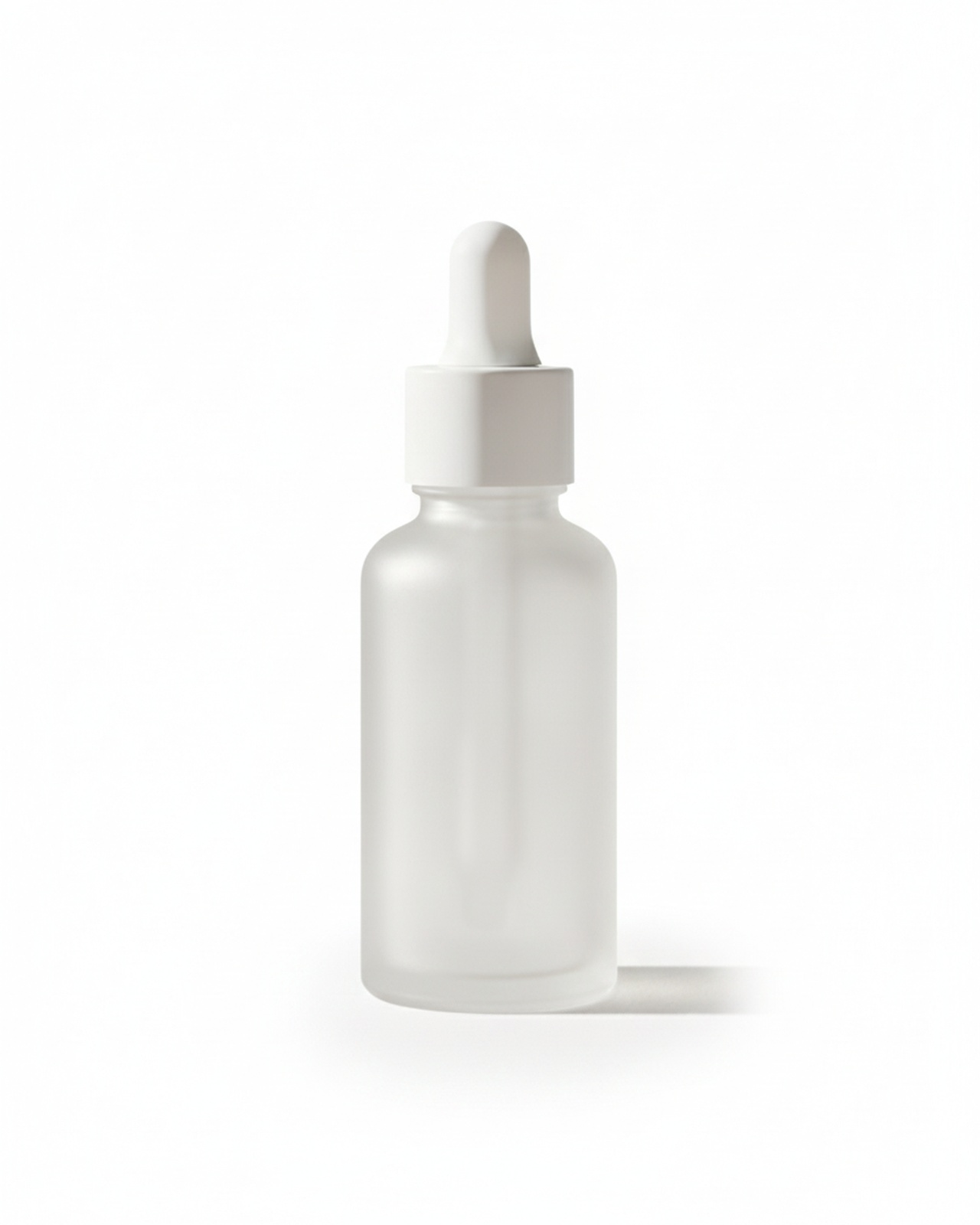
Use this scene when the product should stand on its own. The instruction requests a pure-white background, bright even lighting and a contact shadow, with the product occupying about 85% of the frame. Transparent bottles and white packaging need particular care: inspect their edges against the white area rather than accepting a pale-grey background as white.
Lifestyle
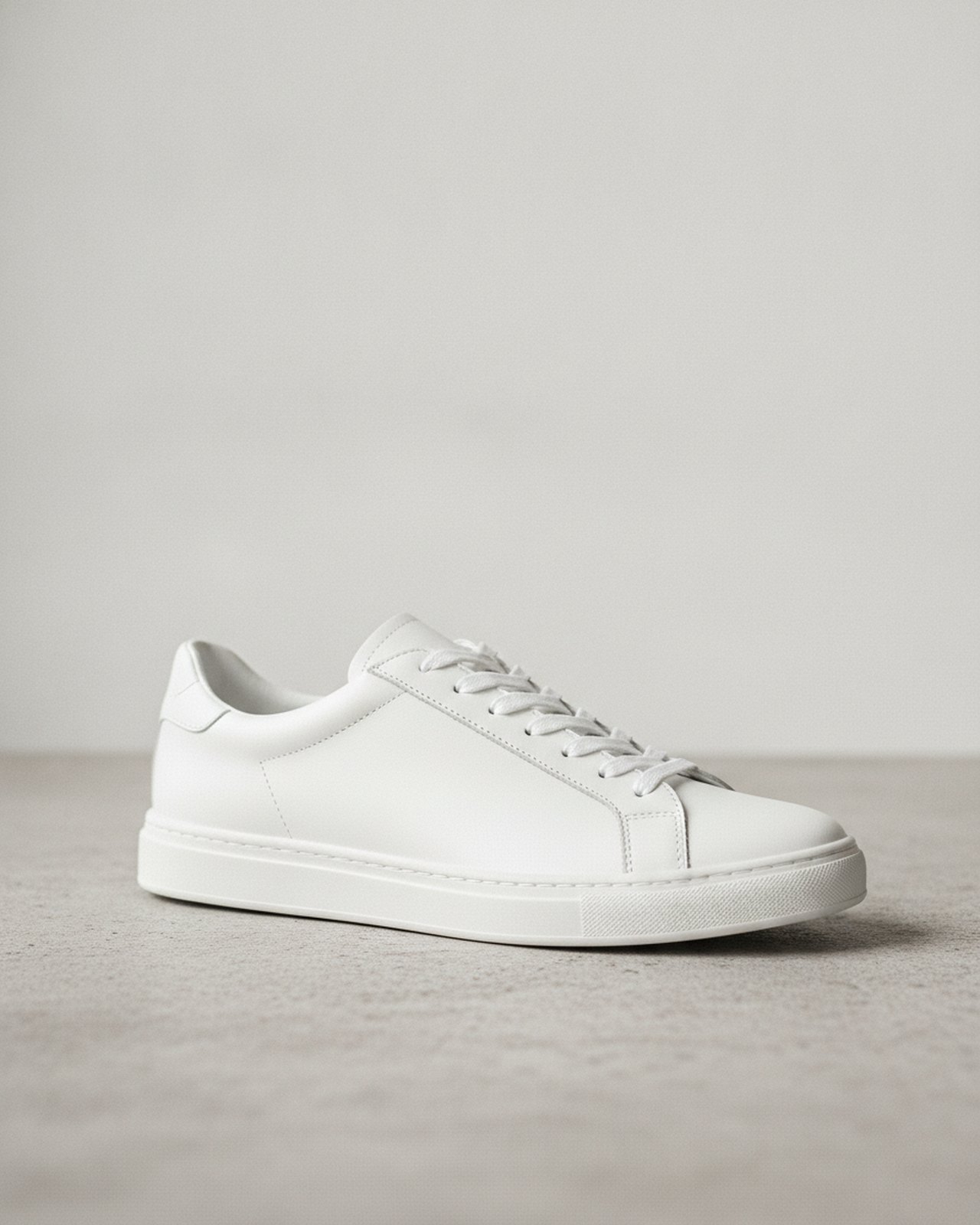
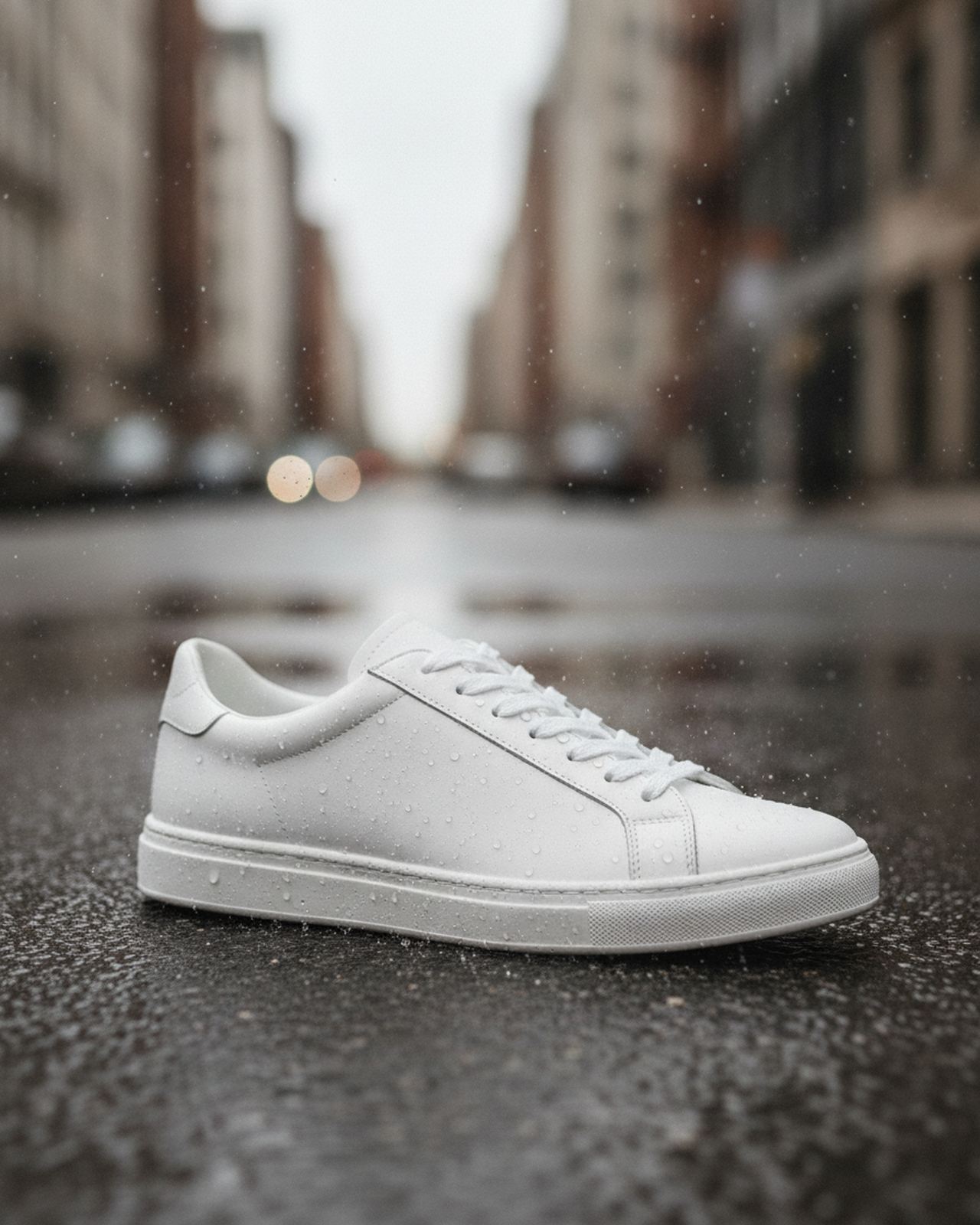
Give buyers context for how the item is used. The model infers a plausible setting from the reference photo, then changes the environment while being instructed to retain the product. A shoe might move from a plain tabletop to a street scene. Check that reflections, shadows and scale still make sense, and do not use generated surroundings to imply a feature the item does not have.
Promo with space
Create a layout with the product on one side and open space for your own headline or price. The model is explicitly told not to generate promotional lettering or prices. Add verified text later in your design tool. This makes the scene useful for an ad or campaign banner, but it does not make it an approved marketplace main image.
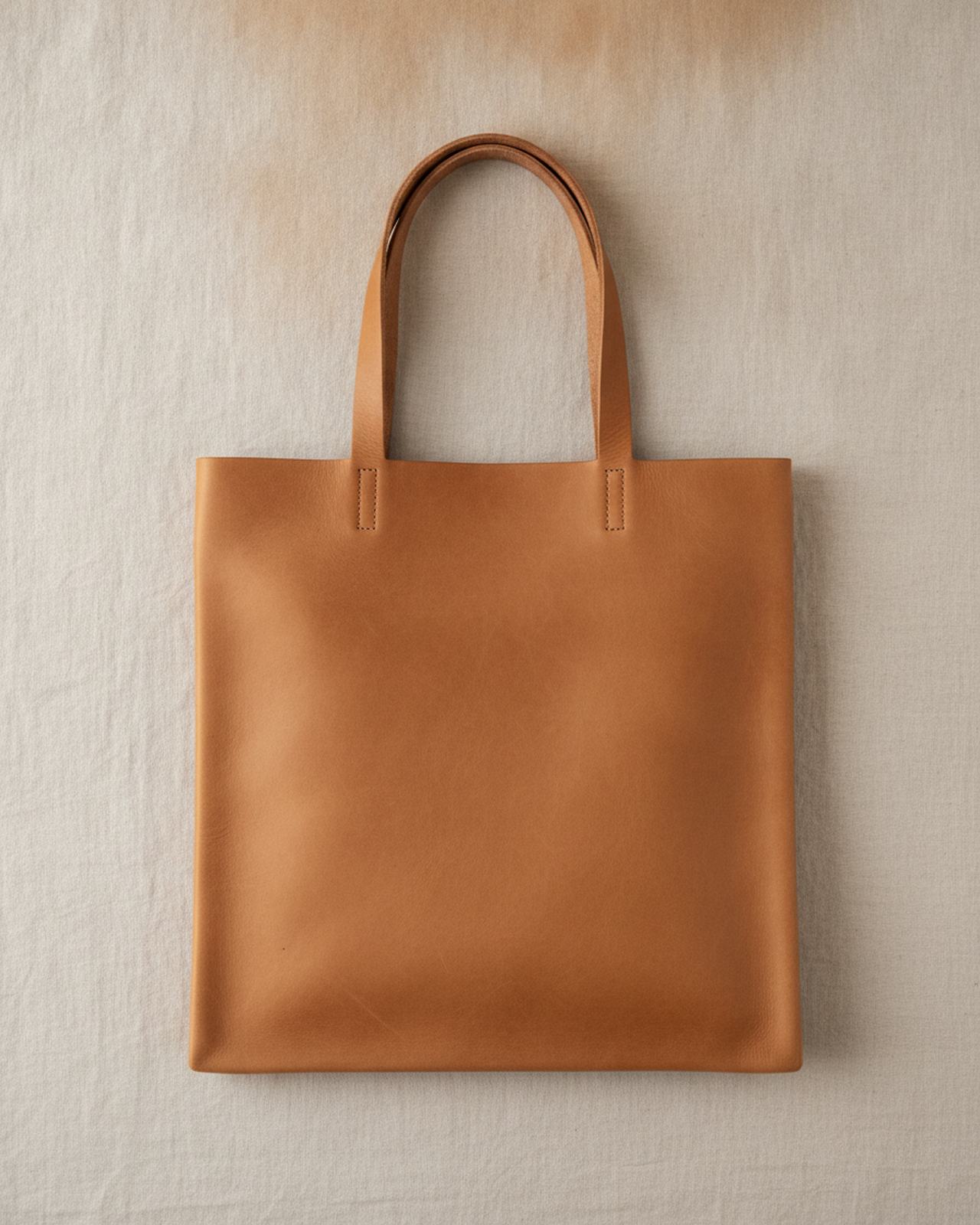
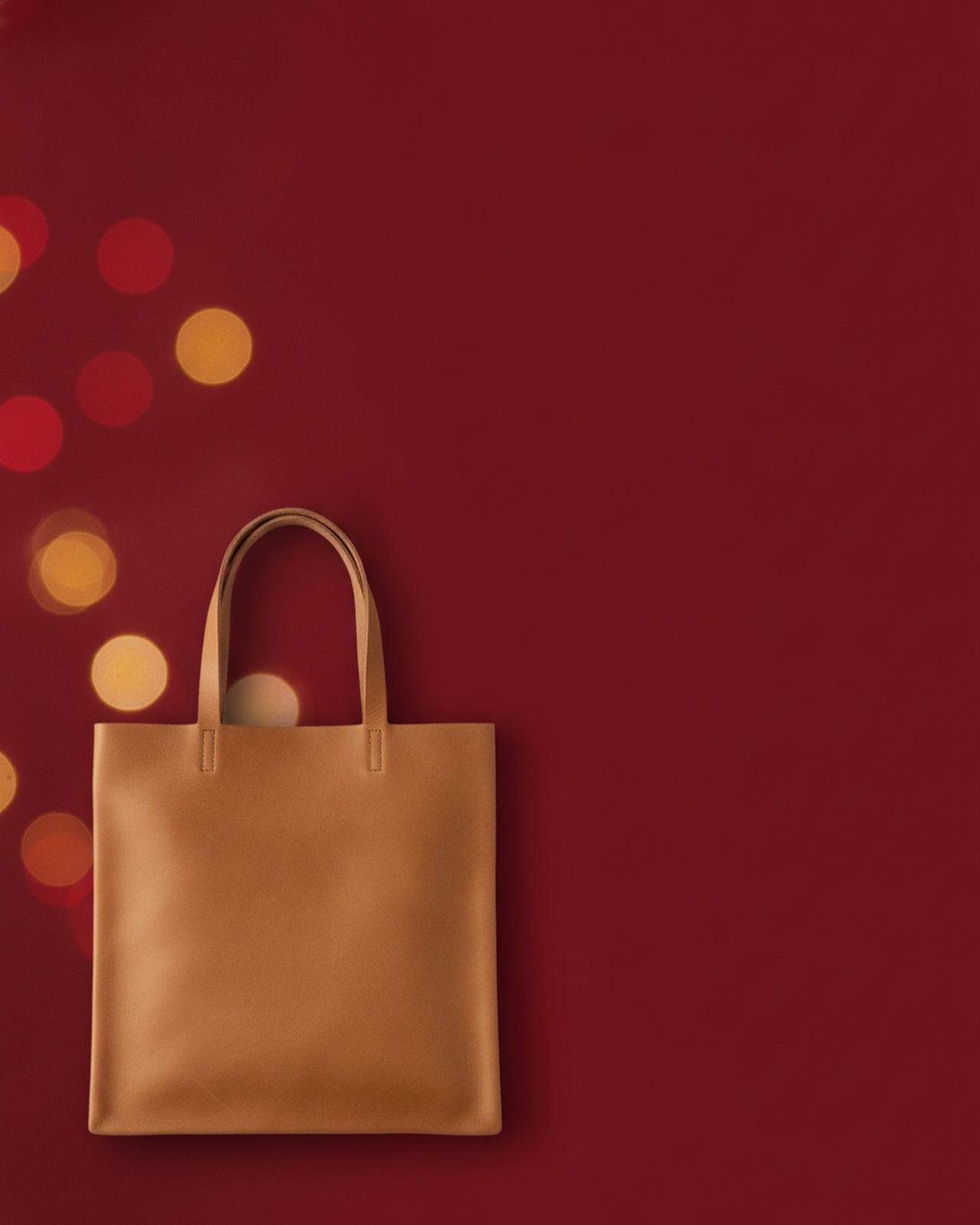
Multi-angle
The multi angle product image generator preset requests a second view rotated by about 30 degrees. It is useful for exploring a layout before arranging another shoot. A single photograph cannot reveal the back of an object, hidden seams or exact side geometry. Treat the result as an invented view, and photograph the real angle when those details affect a purchase. The model may rotate farther than requested; this is not calibrated camera control.
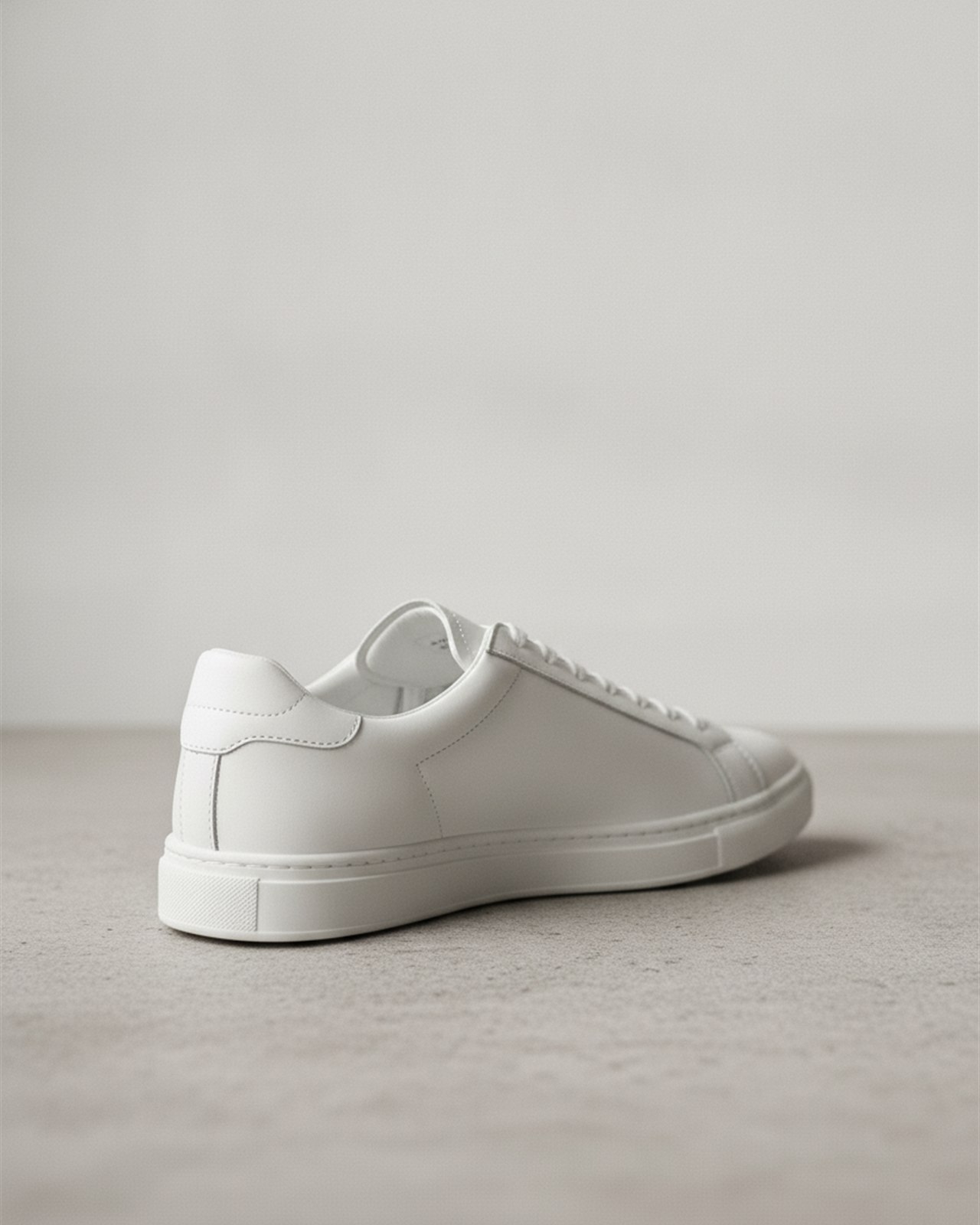
These paired examples use generated source images and real Kie editing jobs. They are demonstrations, not customer photographs or proof of a product's unseen geometry.
What marketplaces ask for: Amazon product photography
Requirements depend on the platform, product category and image position. Amazon commonly asks for a pure-white main-image background and a product that fills at least 85% of the frame. A square 1:1 canvas is a practical listing starting point, not a universal rule for every marketplace. Amazon's image guide recommends 1000 or more pixels for the customer experience; check the current category requirements rather than assuming every file will be accepted.
For larger displays, aim for a sharp original of 2000 pixels or more where the marketplace recommends it. Etsy, for example, recommends at least 2000 pixels in both dimensions and generally requires an unedited photograph of the actual item in a listing, with stated exceptions. An AI scene does not replace that required photograph. Output dimensions from this tool depend on the model, and enlarging a downloaded file does not create missing detail.
Review the Amazon product image guide and Etsy image requirements. Always follow each platform's latest rules.
From one shot to a listing with a product background generator
- Prepare the original. Photograph one complete item in even light. Keep the label readable, leave room around the edges and retain an unedited copy. Sign in with Google before submitting it.
- Choose the intended use. Pick White background for an isolated product, Lifestyle for context, Promo with space for a design layout, or Multi-angle for a speculative second-view draft. Select the output ratio before generating.
- Inspect and export. Compare the image with the original, zoom into packaging text and check the downloaded dimensions. Download it only when the item is represented accurately. Try another scene reuses your uploaded original while it remains valid.
What the model can miss
Shiny metal, leather grain and woven fabric can acquire different textures. Transparent glass may lose an edge or reflect a background that has been removed. Small packaging print and logos can be redrawn even when the prompt asks for preservation. Keep a real product photograph as the reference and reject edits that change a buyer-relevant detail.
A new angle is especially uncertain because the model invents surfaces the source image does not show. Do not treat generated proportions, ports, seams or rear labels as factual. Use an actual second photograph when accuracy matters. The tool is not a calibrated 3D scan, a guarantee of label preservation or a marketplace-compliance check.
Related pages
Use the image to image AI editor for general edits, or the AI image to image generator when you want to write your own instructions. See pricing for credit packs and subscriptions. This page focuses on ecommerce product photography with preset scenes rather than open-ended generation.
Frequently asked questions
How many product photos do I need?
One clear photo of one product is enough. Select White background, Lifestyle, Promo with space or Multi-angle, then choose 1:1, 4:5 or 16:9. Keep your original photograph for comparison.
Can I use a product photo taken on my phone?
Yes. Use even light, keep the full product in focus and avoid heavy filters. A sharp original helps the model retain edges and packaging details. Convert HEIC to JPG or PNG before uploading.
Which image formats and sizes are supported?
Upload JPG, JPEG, PNG or WebP up to 10 MB per photo. GIF and HEIC are not supported. Photos larger than 5 MB are compressed in your browser before upload; if compression fails, export a smaller JPG.
Can I upload the white-background result straight to a marketplace?
Review it first. Check the actual downloaded pixel dimensions, background, product edges and packaging text against that marketplace's current category rules. This tool does not guarantee marketplace approval or a 2000-pixel native output.
Will the model change my product or packaging?
The instructions ask it to preserve the product, but AI can redraw fine text, logos, transparent edges and materials. Compare the result with your original. Multi-angle invents an unseen view and is a visual draft, not proof of the product's actual geometry.
How much does each image cost?
Each generated image costs 3 credits. There is no separate free allowance for this tool. Credits are charged when a task starts and returned if the model task fails. Generating another successful scene costs another 3 credits.